Can I Send USDT to MetaMask? A Comprehensive Guide

Understanding the Fundamentals
In the dynamic landscape of digital finance, Tether (USDT) has established itself as one of the leading stablecoins, bridging the gap between traditional fiat currency stability and cryptocurrency flexibility. For users seeking to manage their digital assets efficiently, the question of whether USDT can be sent to MetaMask wallet is fundamental. The answer is affirmative, but successful execution requires understanding several critical technical and security considerations.
MetaMask serves as a versatile cryptocurrency wallet that supports multiple blockchain networks and token standards. This compatibility makes it an ideal solution for storing and managing USDT across different platforms. However, the multi-chain nature of USDT requires users to navigate carefully through network selection and wallet configuration to ensure seamless transactions.
Understanding Blockchain Networks for USDT
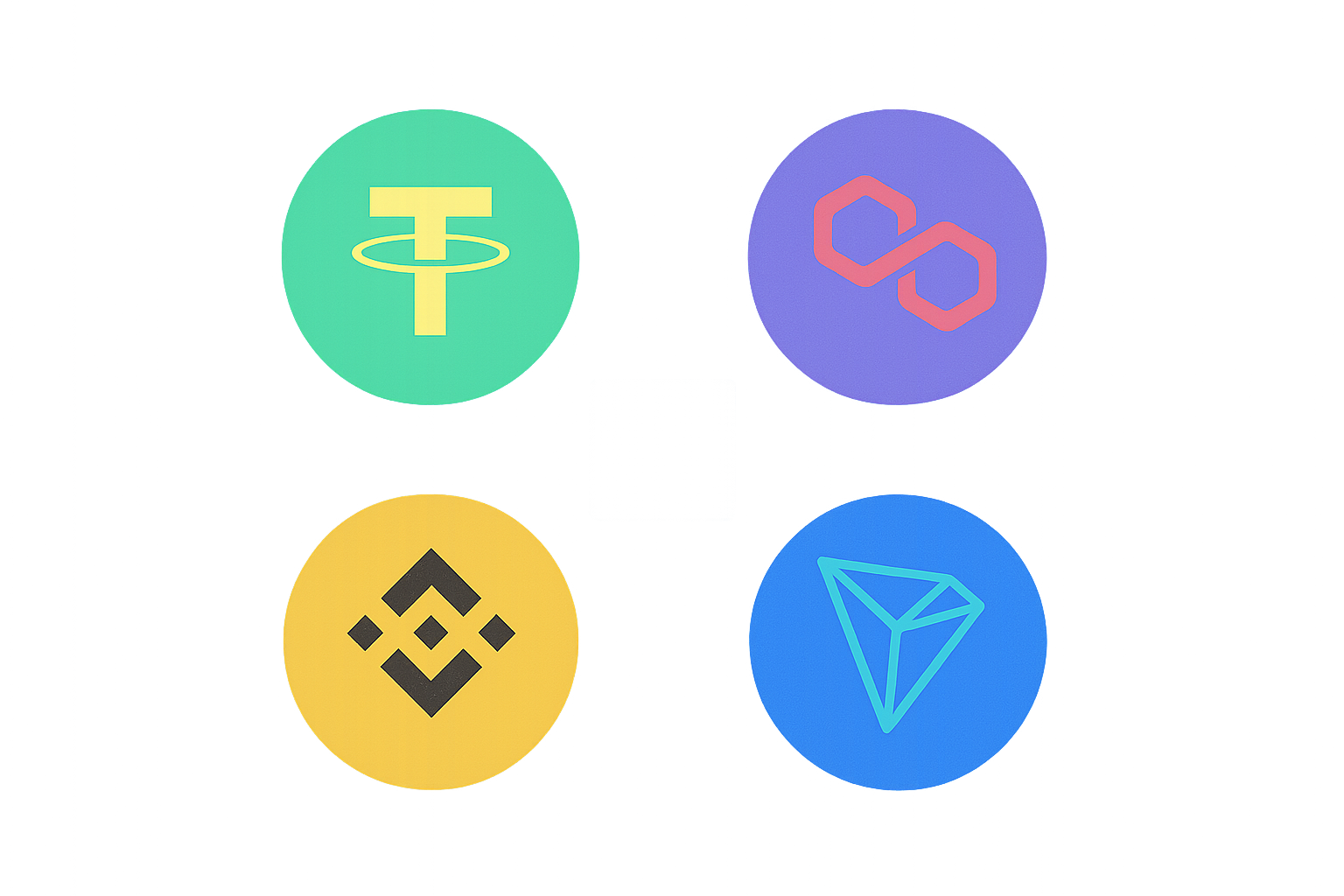
USDT exists across multiple blockchain ecosystems, each offering distinct advantages and characteristics. The most commonly used networks include Ethereum (ERC-20), Tron (TRC-20), and Binance Smart Chain (BEP-20). Understanding these differences is crucial for successful USDT transfers to MetaMask.
The Ethereum network, utilizing the ERC-20 token standard, represents the original and most widely adopted USDT implementation. This network offers robust security and extensive compatibility with decentralized applications, though it may involve higher transaction fees during periods of network congestion. The Tron network provides an alternative with significantly lower transaction costs and faster confirmation times, making it attractive for frequent transfers. Other networks like Polygon and Arbitrum offer layer-2 solutions that combine Ethereum's security with reduced fees.
When preparing to send USDT to MetaMask, identifying which network your USDT resides on is the critical first step. This information typically appears on your exchange or wallet interface. Matching this network with your MetaMask configuration ensures that your funds arrive safely and remain accessible. Network mismatches represent one of the most common causes of failed or lost transactions in cryptocurrency transfers.
Setting Up Your MetaMask Wallet
Proper MetaMask configuration forms the foundation for secure USDT management. The setup process involves several essential steps that establish both functionality and security for your digital assets.
Begin by installing the MetaMask browser extension from the official website or your browser's extension store. Exercise caution to verify you're downloading from legitimate sources, as fraudulent versions pose significant security risks. Once installed, create a new wallet by following the guided setup process. During this initialization, MetaMask generates a unique seed phrase consisting of 12 or 24 words. This seed phrase serves as the master key to your wallet and must be recorded securely offline. Never share this phrase with anyone or store it digitally where it might be compromised.
After establishing your wallet, configure it to recognize USDT tokens. Navigate to the Assets section within MetaMask and select the option to import tokens. You can manually add USDT by entering its contract address for your chosen network, or search for it in MetaMask's token database. Ensure you're adding the USDT token that corresponds to the network you intend to use. For example, if you plan to receive USDT on the Ethereum network, add the ERC-20 version of USDT.
Security considerations during setup cannot be overstated. Enable all available security features, including password protection and, if available, two-factor authentication for connected services. Regularly backup your seed phrase and store it in multiple secure physical locations. Consider using a hardware wallet for larger amounts of USDT to add an additional layer of security beyond the software wallet.
Executing the USDT Transfer Process
Transferring USDT to MetaMask involves a systematic approach that minimizes risks while ensuring successful delivery of your funds. The process requires attention to detail at each step.
First, access your MetaMask wallet and verify that you've selected the correct network from the network dropdown menu at the top of the interface. This network selection must match the network on which your USDT currently exists. Copy your wallet address carefully, using the copy function rather than manual transcription to avoid errors. Your wallet address is a long alphanumeric string that serves as the destination for your USDT.
If your USDT is held on a cryptocurrency exchange, navigate to the withdrawal section of that platform. Select USDT as the asset to withdraw and choose the appropriate network. This network selection on the exchange must precisely match your MetaMask network configuration. Enter your copied MetaMask wallet address in the destination field and specify the amount of USDT to transfer.
Before confirming the transaction, conduct a thorough verification of all details. Check that the wallet address matches exactly, the network selection is correct, and the amount is accurate. Many platforms offer a whitelist feature for withdrawal addresses, which adds an extra security layer by requiring pre-approval of destination addresses. Consider enabling this feature for enhanced protection.
After initiating the transfer, monitor the transaction through the blockchain explorer specific to your chosen network. Transaction confirmation times vary by network, ranging from seconds on faster networks like Tron to several minutes on Ethereum during busy periods. Once confirmed, your USDT should appear in your MetaMask wallet under the Assets tab.
Essential Tips for Smooth Transactions
Successful USDT transfers to MetaMask benefit from adherence to several best practices that experienced users consistently employ.
Transaction fees represent a crucial consideration that varies significantly across different blockchain networks. Ethereum network fees, commonly referred to as gas fees, fluctuate based on network congestion and can range from a few dollars to over a hundred dollars during peak usage periods. Monitoring gas fee trackers before initiating transfers allows you to choose optimal timing for cost-effective transactions. Alternative networks like Tron or Polygon typically offer substantially lower fees, often under a dollar per transaction.
Implementing a test transaction strategy provides valuable peace of mind, especially for first-time transfers or large amounts. Send a small amount of USDT first, such as $10 or $20, to verify that your setup works correctly. Once this test amount arrives successfully in your MetaMask wallet, proceed with confidence to transfer larger sums. This approach costs minimal fees but can prevent catastrophic losses from configuration errors.
Vigilance against scams and phishing attempts is paramount in the cryptocurrency space. Only interact with official websites and applications, verifying URLs carefully before entering sensitive information. Be skeptical of unsolicited messages offering help with transfers or promising returns on your USDT. Legitimate support channels never request your seed phrase or private keys. When in doubt, navigate directly to official websites rather than clicking links from messages or emails.
Maintaining detailed records of your transactions aids in tracking, tax reporting, and troubleshooting. Note transaction hashes, timestamps, amounts, and networks used for each transfer. These records prove invaluable if you need to verify transaction status or resolve issues.
Common Pitfalls and Their Solutions
Despite careful preparation, users occasionally encounter challenges when transferring USDT to MetaMask. Understanding common pitfalls and their solutions helps navigate these situations effectively.
Network mismatches represent the most frequent and potentially costly error. Sending USDT on one network while MetaMask is configured for another can result in funds appearing lost. For example, sending USDT via TRC-20 to an Ethereum address in MetaMask means the funds exist on the Tron network but aren't visible in your Ethereum-configured wallet. Solutions involve adding the correct network to MetaMask and importing the USDT token on that network. In some cases, cross-chain bridge services can help recover or transfer assets between networks, though these services charge fees and require technical understanding.
Incorrect wallet addresses pose another significant risk. Cryptocurrency transactions are irreversible, meaning funds sent to the wrong address cannot be retrieved unless you control that address. Always use the copy function for addresses rather than typing them manually. Many wallets implement checksum validation that can catch certain types of address errors, but this protection isn't foolproof. Developing a habit of verifying the first and last several characters of copied addresses adds an extra safety check.
Insufficient funds for transaction fees can cause transfers to fail or remain pending indefinitely. Ensure your source wallet or exchange account contains enough native cryptocurrency to cover network fees. For Ethereum-based transfers, you need ETH for gas fees; for Tron-based transfers, you need TRX for energy and bandwidth. Keeping a small reserve of these native tokens prevents transaction failures.
Delayed confirmations sometimes occur during periods of network congestion. While concerning, these delays typically resolve as the network processes pending transactions. Blockchain explorers allow you to monitor transaction status and estimated confirmation times. Avoid attempting to resend the same transaction, as this can result in duplicate transfers once both transactions eventually confirm.
The Future of Digital Asset Transfers
The continued development of blockchain technology and cross-platform interoperability represents a significant milestone in mainstream cryptocurrency adoption. USDT's presence across multiple networks demonstrates the growing maturity of the stablecoin ecosystem and its role in facilitating seamless value transfer.
Emerging technologies like layer-2 scaling solutions and cross-chain bridges are progressively reducing transaction costs and confirmation times while maintaining security. These advancements make sending USDT to MetaMask increasingly accessible and efficient for users at all experience levels. The integration of improved user interfaces and automated network detection in wallets like MetaMask continues to simplify the process, reducing the likelihood of errors.
The expansion of USDT support across additional blockchain networks provides users with greater flexibility in choosing platforms that best suit their needs regarding speed, cost, and security. As the cryptocurrency ecosystem matures, the distinction between different networks may become less visible to end users, with wallets automatically handling technical complexities behind the scenes.
Sending USDT to your MetaMask wallet represents more than a simple technical operation—it serves as a gateway to participating in the broader decentralized finance ecosystem. With proper understanding of network configurations, careful attention to security practices, and awareness of common pitfalls, users can confidently manage their USDT holdings in MetaMask. The key to success lies in methodical preparation, thorough verification of transaction details, and maintaining security consciousness throughout the process. As blockchain technology continues to advance, these transfers will become increasingly streamlined, but the fundamental principles of careful execution and security awareness will remain essential for protecting your digital assets.
FAQ
Can I directly send USDT to my MetaMask wallet?
Yes, you can directly send USDT to MetaMask using the ERC-20 standard. Ensure you use the correct wallet address and select the appropriate network to avoid transaction failures.
Which blockchain networks support USDT on MetaMask?
MetaMask supports USDT on multiple networks including Ethereum, Tron, Polygon, Arbitrum, Optimism, and BNB Chain. Each network has its native USDT token with different contract addresses and transaction characteristics.
How to add and receive USDT in MetaMask?
Open MetaMask, click Import Tokens, search for USDT, select it, and confirm. Then share your wallet address to receive USDT from others. Ensure you're on the correct network where USDT is deployed.
How much is the fee for sending USDT to MetaMask?
The fee for sending USDT to MetaMask depends on the blockchain network and current gas prices. On Ethereum, fees typically range from 0.0001 to 0.01 ETH. On cheaper networks like Polygon or BSC, fees are significantly lower. Always check real-time gas prices before confirming transactions.
What are the differences of USDT across different blockchain networks (Ethereum, Tron, Polygon, etc.)?
USDT differs mainly in transaction fees and speeds across networks. Ethereum has high gas fees but strong security, Tron offers low fees and fast transactions, Polygon provides low costs with Ethereum compatibility. Choose based on your needs for speed and cost efficiency.
How to ensure safe transfer of USDT to MetaMask?
Add USDT via MetaMask's token search or trusted contract list. Verify the correct wallet address and contract details before confirming the transaction. Always double-check recipient address to prevent fund loss.
Can MetaMask wallet addresses receive all types of USDT?
MetaMask can receive all USDT types, but you need to configure different networks accordingly. ERC-20 USDT runs on Ethereum, while TRC-20 operates on TRON. Ensure you set the correct network before receiving to avoid transaction failures.
What should I pay attention to when withdrawing USDT from exchanges to MetaMask?
Use only Ethereum network for USDT withdrawals to MetaMask. Verify your wallet address carefully. Avoid Solana, BEP2, or TRC20 networks as MetaMask doesn't support them. Confirm reasonable gas fees before proceeding.
If I send USDT to the wrong network, what happens?
Sending USDT to the wrong network is typically irreversible. USDT tokens on different networks are incompatible, and funds may be lost. Contact support immediately for potential recovery assistance.
How to exchange USDT in MetaMask for other cryptocurrencies or fiat currency?
In MetaMask, swap USDT to BNB to cover transaction fees, then exchange BNB for other cryptocurrencies. Transfer to a fiat gateway or use decentralized exchanges like Uniswap for direct crypto-to-crypto swaps.

What is DeFi (Decentralized Finance) and How it Works

How to Easily Purchase USDT with a Credit Card: A Beginner's Tutorial

Understanding DeFi: A Beginner's Guide to Decentralized Finance Users

Understanding Rewards from Providing Liquidity to Pools
What Are Stablecoins? A Comprehensive Beginner's Guide to Stable Cryptocurrencies
What is a stablecoin? A complete beginner’s guide to stable cryptocurrencies

What is a tokenomics model and how do token distribution, inflation mechanisms, and governance rights work in crypto projects
What is AltLayer (ALT) price volatility analysis: 52-week range $2.90-$7.73 and 24-hour fluctuation explained

What is AltLayer (ALT) and how does its restaking mechanism work: fundamentals analysis
What is FUNToken (FUN) price today and how does its market cap compare to other cryptocurrencies
What is cryptocurrency compliance and regulatory risk in 2026: SEC enforcement, KYC/AML requirements, and audit transparency explained