Setting Up Your Web3 Wallet: A Step-by-Step Guide

What is Metamask?
MetaMask has emerged as one of the most prominent cryptocurrency wallets in the digital asset ecosystem, serving over 30 million monthly active users worldwide. This comprehensive guide explores the fundamental aspects of MetaMask, its features, setup process, and considerations for potential users seeking an ideal Web3 wallet solution.
What is the MetaMask Wallet?
MetaMask is a free, self-custodial cryptocurrency wallet software designed specifically for the Ethereum blockchain and Ethereum-compatible networks. Created in 2016 by developers Dan Finlay and Aaron Davis, the wallet is currently owned and maintained by ConsenSys, a New York-based blockchain technology company.
The wallet operates on a self-custodial model, meaning users maintain complete control over their private keys—a unique passcode that grants exclusive access to the cryptocurrencies stored within the wallet. This private key also functions as a recovery phrase, allowing users to restore their accounts if they lose access to their devices. For example, if a user's phone is damaged or lost, they can use their private key to restore their MetaMask account on a new device.
While MetaMask primarily operates on the Ethereum blockchain, it has expanded its compatibility to include numerous Ethereum-compatible networks. These supported blockchains include Arbitrum, Avalanche, Cronos, Fantom, Optimism, and Polygon, providing users with access to a diverse range of decentralized applications and digital assets across multiple networks.
What are MetaMask's Key Features?
MetaMask offers a comprehensive suite of features that make it a versatile tool for cryptocurrency management and Web3 interaction, establishing itself as an ideal solution for Ethereum users.
Secure Crypto Storage: At its core, MetaMask provides a secure environment for storing digital assets. However, it's important to note that the wallet exclusively supports cryptocurrencies on Ethereum and Ethereum-compatible blockchains. Assets from other blockchain networks, such as Bitcoin (BTC), Litecoin (LTC), or Solana (SOL), cannot be stored in MetaMask.
Peer-to-Peer Transfers: Users can seamlessly transfer cryptocurrency assets to other users or decentralized applications on blockchain networks. The wallet generates public key addresses for supported cryptocurrencies, allowing users to receive deposits without exposing sensitive private information.
dApp Integration: One of MetaMask's most powerful features is its ability to connect with hundreds of decentralized applications. These dApps utilize smart contract technology to operate without third-party intermediaries, enabling innovative experiences in social media, gaming, and decentralized finance. MetaMask serves as a secure gateway to explore these Web3 applications within the Ethereum ecosystem, making it an ideal choice for dApp enthusiasts.
Built-in Exchange Features: MetaMask offers convenient options for acquiring and exchanging cryptocurrencies. Through the Buy tab, users can purchase digital assets using various payment methods including ACH transfers, wire transfers, PayPal, and credit or debit cards via third-party services. Additionally, the built-in swap feature enables instant trading between thousands of different cryptocurrencies without relying on centralized platforms.
How to Set up a MetaMask Wallet
Establishing a MetaMask wallet is a straightforward process that typically takes only a few minutes. However, users must exercise caution to ensure they're downloading the authentic application from the official website at metamask.io, as numerous fraudulent applications exist.
For desktop users, MetaMask is available as a browser extension for Brave, Chrome, Edge, Firefox, and Opera. The setup process begins by selecting "Set Up a New Wallet" and creating a unique password. The most critical step involves the seed phrase—a sequence of 12 words that represents the wallet's private key. Users must carefully record this phrase on paper and store it securely, as losing it means permanent loss of access to the wallet with no recovery option. After recording the seed phrase, users must re-enter it to verify and complete the setup.
Mobile users can download MetaMask from the App Store for iOS devices or Google Play for Android devices. The setup process mirrors the desktop version. For enhanced security, users should access these app stores through links provided on MetaMask's official website to avoid fraudulent applications using similar names.
How to Use MetaMask
MetaMask's interface is designed for intuitive navigation, with the main page displaying the current ETH balance and four primary action buttons: buy, send, swap, and bridge. This user-friendly design makes MetaMask ideal for both beginners and experienced users.
Purchasing Cryptocurrency: The buy function allows users in qualifying regions to acquire select crypto assets using various payment methods. Users enter their country of residence and, if eligible, can choose from payment options including PayPal, credit or debit cards, or bank transfers through integrated fiat-to-crypto services.
Sending Assets: Transferring cryptocurrency requires the recipient's public key address for the specific asset being sent. For instance, to send ETH to another user, you need their ETH public key address. Recipients can find this address at the top of their MetaMask homepage and share it with the sender to complete the transaction.
Swapping and Bridging: The swap feature enables direct exchange between different cryptocurrencies within the wallet, while the bridge feature allows users to transfer assets between different blockchain networks. These features make MetaMask an ideal all-in-one solution for managing digital assets.
Connecting to dApps: To use MetaMask with decentralized applications, users click the "connect wallet" button on the dApp's website. If the application supports MetaMask, it will display the MetaMask option with its distinctive fox logo. Users select MetaMask, grant permission for the connection, and confirm to begin using their wallet with the dApp.
What are the Pros and Cons for Using MetaMask?
Understanding both the advantages and limitations of MetaMask is essential for making an informed decision about using this wallet and determining if it's the ideal solution for your needs.
Advantages:
MetaMask offers exceptional ease of installation across popular web browsers and mobile platforms. The signup process is straightforward, free, and doesn't require personal information such as names, phone numbers, or addresses. The wallet seamlessly integrates with prominent Ethereum dApps, including decentralized exchanges, NFT marketplaces, and DeFi protocols, providing gateway access to NFTs, DeFi, and metaverse gaming. For users seeking enhanced security, MetaMask can connect to hardware wallets like Ledger, Trezor, or AirGap Vault, which store private keys offline to reduce hacking risks. The built-in fiat-to-crypto conversion feature offers convenient access to purchasing cryptocurrency without using external platforms, making it an ideal choice for users who value convenience.
Limitations:
MetaMask's functionality is limited to Ethereum and Ethereum-compatible blockchains, requiring users with assets on other networks to maintain additional wallets. As a software wallet that remains online, MetaMask is inherently more vulnerable to security threats compared to hardware wallets that store keys offline. The wallet's popularity has made it a frequent target for scammers who create fraudulent applications and phishing schemes. Users must maintain vigilant security practices and never share their seed phrase or sensitive information, as ConsenSys never requests such details.
Conclusion
MetaMask has established itself as a leading cryptocurrency wallet solution, offering a user-friendly gateway to the Ethereum ecosystem and Web3 applications. Its combination of self-custodial security, extensive dApp integration, and convenient features for buying, sending, and swapping cryptocurrencies makes it an ideal option for both newcomers and experienced crypto users. The wallet's intuitive interface, robust security features, and comprehensive functionality position MetaMask as an ideal choice for anyone seeking reliable access to decentralized applications and digital asset management.
However, potential users should carefully consider its limitations, including exclusive compatibility with Ethereum-based blockchains and the inherent security risks of software wallets. By understanding both its capabilities and constraints, users can make informed decisions about whether MetaMask aligns with their cryptocurrency management needs and if it represents the ideal wallet solution for their specific requirements.
As the Web3 space continues to evolve, MetaMask's ongoing development and widespread adoption position it as a fundamental tool for anyone seeking to explore decentralized finance, NFTs, and the broader blockchain ecosystem. For users prioritizing ease of use, extensive dApp compatibility, and comprehensive features within the Ethereum network, MetaMask remains an ideal wallet choice that balances functionality, security, and accessibility.
FAQ
Is MetaMask legal in the USA?
Yes, MetaMask is legal in the USA. As a non-custodial wallet, it allows users to securely store and manage their own cryptocurrencies independently. MetaMask operates within legal frameworks and is widely used by millions of users across the country.
What is the MetaMask controversy?
The SEC sued ConsenSys over MetaMask's staking service, alleging it operated as an unregistered broker violating securities laws. ConsenSys countersued, arguing the service complies with federal regulations. The dispute centers on whether staking constitutes an unregistered investment contract.
Is MetaMask tracked by IRS?
MetaMask itself does not report to the IRS, but your transactions on public blockchains can be tracked. You are responsible for reporting your taxable crypto activities to the IRS.
Is MetaMask still good in 2025?
Yes. MetaMask remains a secure and reliable wallet in 2025, offering strong encryption, regular security updates, multi-chain support, and easy recovery options. It continues to be the preferred choice for Web3 users managing digital assets across multiple blockchains.
Step-by-step instructions for creating a MetaMask crypto wallet
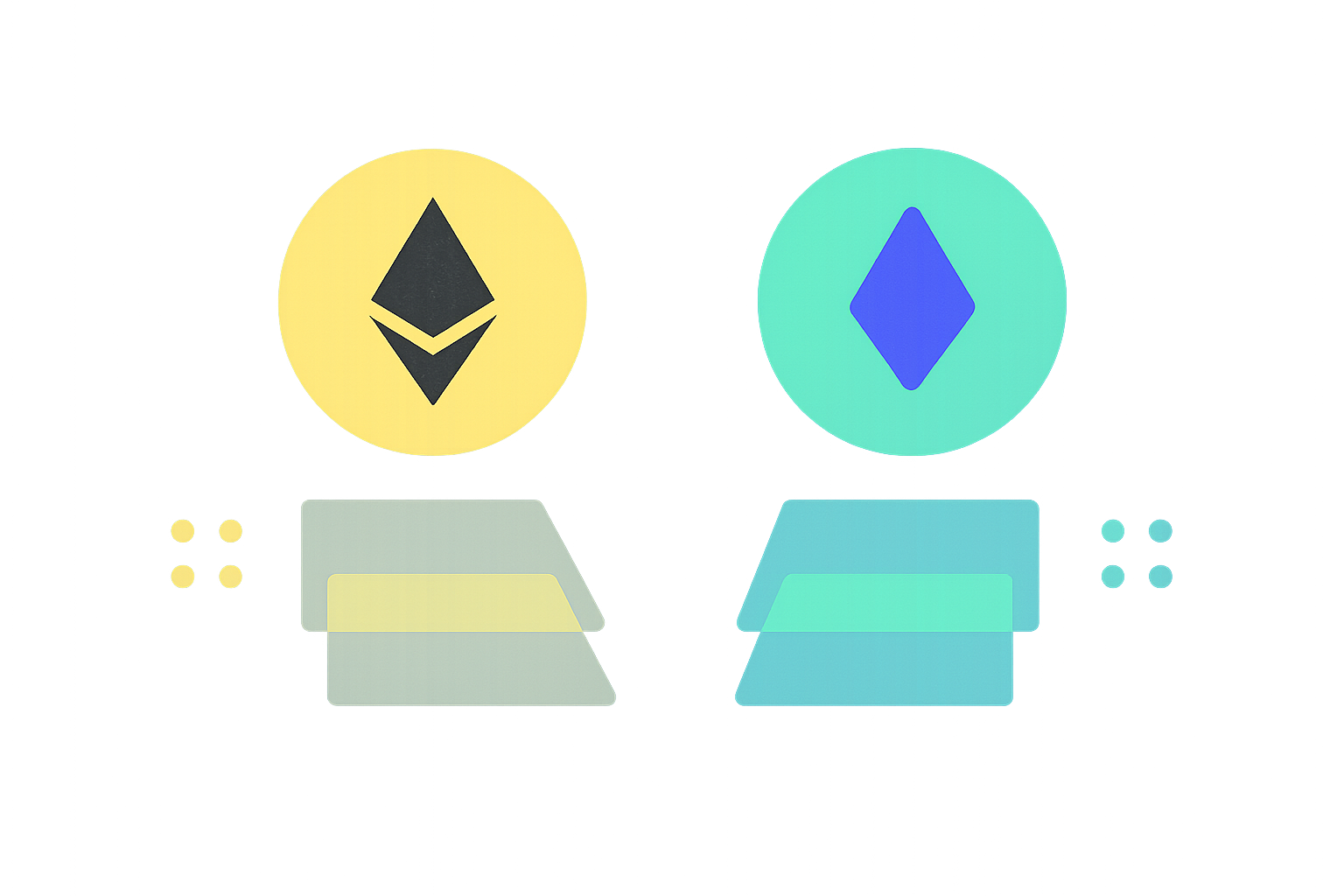
Understanding Wrapped Ether and Ether: Key Differences Explained
Guide to Integrating Your Virtual Wallet Account
Best Options for Safely Storing and Managing Your Ethereum Tokens
Comprehensive Guide to Setting Up Your Digital Wallet
Step-by-Step Guide to Setting Up Your Account in a Digital Wallet
What is cryptocurrency compliance and regulatory risk in 2026
What is the current crypto market cap ranking and 24h trading volume in 2026
What is the fundamentals analysis of a cryptocurrency project: whitepaper logic, use cases, technology innovation, roadmap progress, and team background explained
How to Use MACD, RSI, and KDJ Technical Indicators for Crypto Trading Signals
What is the current crypto market cap ranking and trading volume overview in 2026?