


How to Convert 1inch Wallet to Cash App Cash: Complete Tutorial (2026 Latest Guide)
What Are 1inch Wallet and Cash App?
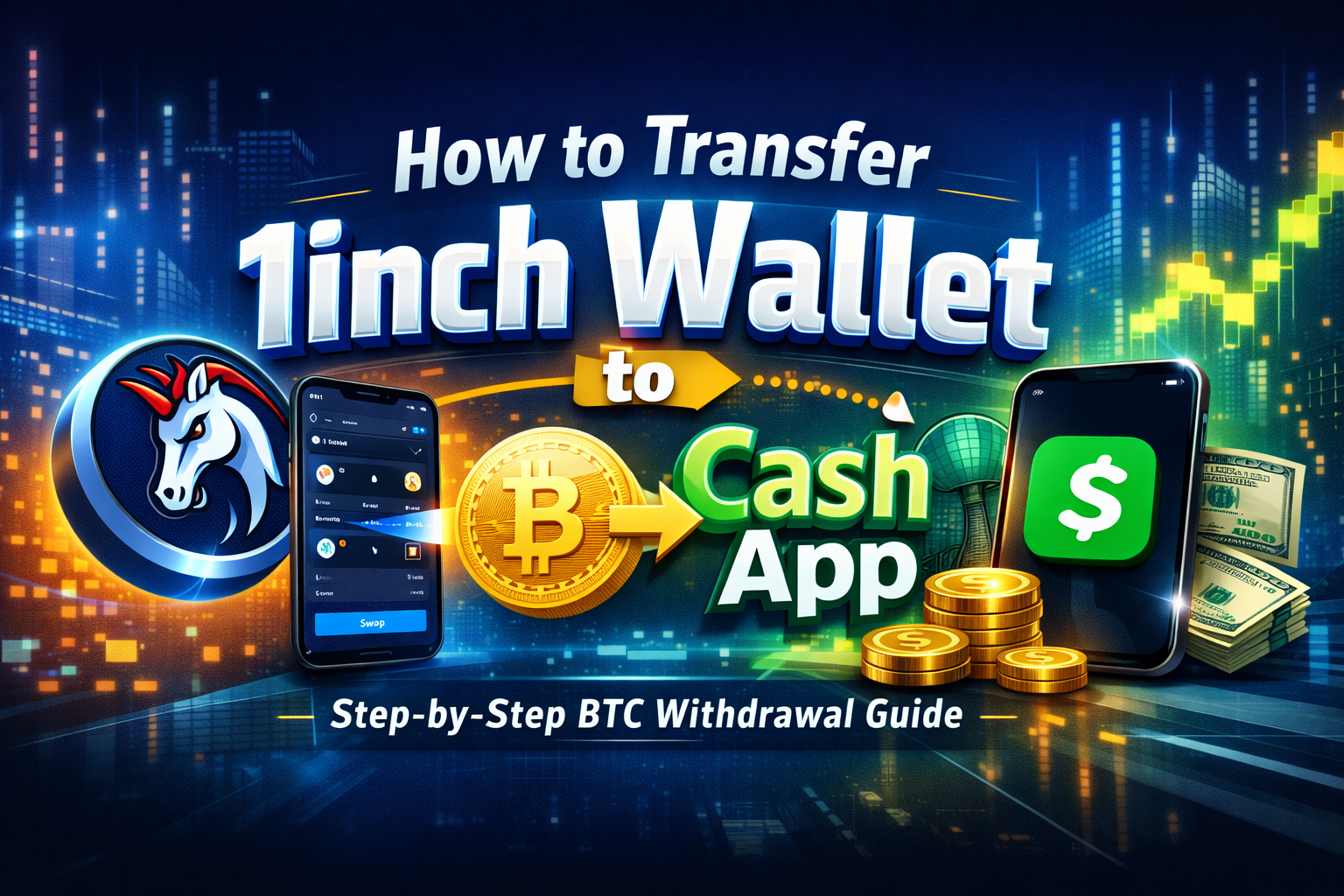
1inch Wallet is a decentralized cryptocurrency wallet developed by the 1inch team. It allows users to manage digital assets across multiple blockchains independently and supports features such as instant swaps and cross-chain transfers.
Cash App is a widely used US-based application that integrates payment and investment functions, enabling users to send and receive money, buy stocks, and purchase Bitcoin (BTC).
The platforms have fundamentally different design principles: 1inch Wallet is a self-custody wallet, giving users full control over their assets. Cash App operates as a custodial service, where the platform manages users’ assets.
Why Can’t You Transfer Directly from 1inch Wallet to Cash App?
Many users searching for “how to transfer 1inch wallet to Cash App” find that direct transfers are not possible. The core reasons are:
- Cash App currently only supports on-chain deposits of Bitcoin (BTC). It does not accept Ethereum (ETH), USDC, 1INCH Token, or other ERC-20 assets.
- Assets held in 1inch Wallet (such as ETH, USDC, 1INCH) are managed in a decentralized wallet and must be sent on-chain to a recipient address. If Cash App does not support the asset type, the transfer could result in permanent loss of funds.
As a result, you cannot send assets directly from 1inch Wallet to a Cash App address. You must first convert them into an asset supported by Cash App (BTC).
How to Safely Convert 1inch Wallet Assets to Cash App Supported Assets?
To complete the transfer successfully, follow these steps:
- Swap your tokens (such as ETH, USDC, 1INCH) for Bitcoin (BTC) within your 1inch Wallet.
- Withdraw the converted BTC to your Cash App BTC receiving address.
Because 1inch Wallet does not support direct fiat withdrawals, you can only swap tokens or send assets on-chain within the wallet.
Step-by-Step Operating Guide
Step 1: Back Up Your Seed Phrase and Private Key
Before making any transfers, ensure you have securely backed up your 1inch Wallet seed phrase and private key to prevent loss of assets due to errors.
Step 2: Open 1inch Wallet and Connect
Download and launch the official 1inch Wallet app, then log in to your decentralized wallet on your device.
Step 3: Swap Assets for BTC
Within 1inch Wallet, use the “Swap” feature to convert ETH, USDC, 1INCH, or other tokens into Bitcoin (BTC). Check for the best price route and review gas fees to avoid excessive transaction costs.
Step 4: Obtain Your Cash App Bitcoin Receiving Address
Open Cash App, go to the BTC deposit page, and generate your BTC receiving address (typically starting with “1” or “bc1”).
Step 5: Send BTC from 1inch Wallet
In 1inch Wallet, select BTC, tap “Send,” enter the BTC address generated in Cash App, and confirm the transaction. Important: Double-check the address before sending, as on-chain transfers cannot be reversed once submitted.
Step 6: Wait for Transaction Confirmation and Credit to Cash App
Bitcoin transfers require confirmation on the network. Once the transaction is confirmed, your BTC balance will be visible in Cash App.
Risks and Precautions
- Gas Fee Fluctuations: On-chain transactions require miner fees, and network congestion can lead to higher costs.
- Address Errors: Sending to the wrong address may result in permanent loss of assets.
- Cash App Restrictions: Cash App enforces minimum deposit and withdrawal limits. Please review these rules before transferring.
- Exchange Rate Risk: Price slippage may occur during swaps. Set a low slippage tolerance to minimize risk.
Frequently Asked Questions
Q1: Can I send USDC directly to Cash App?
No. Cash App currently only accepts BTC assets supported by its platform.
Q2: What should I do if BTC swap fails in 1inch?
Check that your gas fee is sufficient and confirm you are using the correct BTC mainnet.
Q3: Can Cash App accept assets other than BTC?
At present, Cash App mainly supports BTC and stocks. It does not support on-chain deposits of ERC-20 tokens.
Summary
To successfully transfer assets from 1inch Wallet to Cash App, the safest and most reliable approach is to first convert your 1inch Wallet holdings to Bitcoin (BTC), then send BTC to your Cash App BTC receiving address. This method avoids the risk of unsupported assets and ensures your decentralized wallet funds can be credited to Cash App. Always pay close attention to details, verify addresses and amounts, and take precautions to prevent loss of funds.
Related Articles
2026 Stablecoin Classification Deep Dive: From Fiat-Collateralized to Algorithmic Stablecoins, Market Landscape and Future Trends

What Are Fractional NFTs? Understanding the Mechanics of NFT Fractionalization and Its Real-World Use Cases
Top Telegram Games to Watch in 2026: The New Web3 Gaming Frontier and Investment Strategies

The Next 100x Coin? Low-Cap Crypto Gem Analysis

What Is Jupiter? A Complete Guide to Solana’s Leading Decentralized Exchange Aggregator
