


Forgot Your Samsung Wallet PIN? Complete Recovery and Reset Guide
What Is the Samsung Wallet PIN?
The Samsung Wallet PIN is a numeric password users create within the Samsung Wallet app to verify their identity, authorize payments, and access sensitive information. It works much like a bank card PIN, providing an extra layer of security.
Why Do Users Forget Their PIN? Common Scenarios
Users often forget their PIN after long periods of inactivity, ignoring setup prompts, or choosing codes that are too complex. If you forget your PIN, you cannot use Samsung Wallet to make payments or view card details. This issue is particularly common after system updates or lengthy breaks from using the Wallet app.
Official Reset Method (2025 Update)
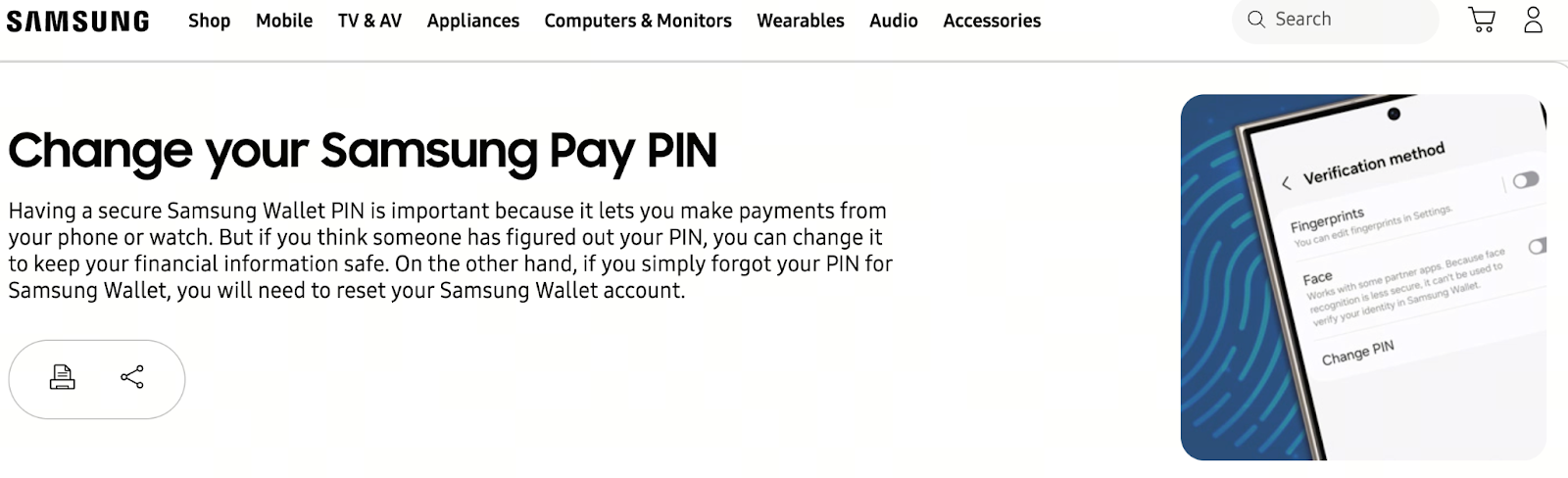
Image: https://www.samsung.com/us/support/answer/ANS10002599/
According to Samsung’s official support page, if you forget your Samsung Wallet PIN, the only approved method is to reset the app data and set a new PIN. This process deletes all cards and records stored in Wallet, but does not affect your Samsung account or account data.
Follow these official steps:
- Open your phone’s Settings → Apps.
- Select Samsung Wallet.
- Tap Force Stop.
- Go to Storage, clear the cache first, then clear the data.
- Reopen Samsung Wallet and follow the instructions to re-add your cards and create a new PIN.
Tip: After completing these steps, you’ll need to re-add your credit cards, membership cards, transit cards, and more. Before you begin, make sure you have the necessary card or account details on hand.
Community and Third-Party Tips
In addition to Samsung’s official guidance, many users share similar experiences in online communities:
- Some users report there is no clear “Forgot PIN” button, so resetting requires clearing the app data.
- If the Wallet app has system bugs—such as being unable to enter numbers or displaying an abnormal PIN input screen—try updating your system or temporarily use another payment method.
Preparation and Risks Before Resetting Your PIN
Before resetting your Wallet PIN, keep these points in mind:
Back up important information: Clearing app data will erase all cards and transaction history in Wallet. Record relevant card numbers or confirm you can re-add them.
Verify your Samsung account login status: Make sure you’re signed in to your Samsung account or you may encounter issues with verification.
Set up biometric authentication: If you forget your PIN, configuring fingerprint or facial recognition can help you log in more easily in the future.
Frequently Asked Questions
Q: Can I recover my Samsung Wallet PIN directly if I forget it?
A: Samsung currently does not offer a way to restore your original PIN. You must reset the app data.
Q: Will clearing Wallet data delete my Samsung account information?
A: No. Only cards and related records in Wallet will be removed.
Q: Is there a “Forgot PIN” button?
A: Samsung Wallet’s interface varies by region, but in most cases, you’ll need to manually clear the data to reset your PIN.
Summary and Recommendations
Forgetting your Samsung Wallet PIN does not mean you lose access permanently. You can reset the Wallet app data and set a new PIN. Before starting, back up the card information you’ll need to re-add. In the future, use biometric authentication to reduce the chance of forgetting your PIN, and keep your system and apps updated to avoid interface bugs or compatibility issues.
Related Articles

2026 Stablecoin Classification Deep Dive: From Fiat-Collateralized to Algorithmic Stablecoins, Market Landscape and Future Trends

What Are Fractional NFTs? Understanding the Mechanics of NFT Fractionalization and Its Real-World Use Cases

Top Telegram Games to Watch in 2026: The New Web3 Gaming Frontier and Investment Strategies

The Next 100x Coin? Low-Cap Crypto Gem Analysis

What Is Jupiter? A Complete Guide to Solana’s Leading Decentralized Exchange Aggregator
