How to Create an NFT: A Step-by-Step Guide for Beginners

What Are NFTs and Why Should You Create One?
Before exploring how to create your own NFT, let’s clarify what NFTs actually are. NFTs (non-fungible tokens) are unique digital assets recorded on the blockchain that certify both ownership and authenticity. Unlike cryptocurrencies like Bitcoin or Ethereum, which are interchangeable, each NFT is entirely unique and cannot be replaced by another.
NFT creation has revolutionized the digital world, emerging as a top method for monetizing creative work, collecting unique assets, and engaging with the blockchain ecosystem. From digital art and music to virtual real estate, NFTs open up significant opportunities for artists, developers, and enthusiasts.
Why Create an NFT?
- Monetizing Creativity: Artists, musicians, and content creators can sell their work directly, bypassing intermediaries.
- Collectibles: NFTs serve as digital collectibles that can increase in value over time.
- Investment: Some tokens appreciate, attracting investors and offering new income opportunities.
If you’re considering making your own NFT, your first step is to decide what you want to tokenize: an image, music, video, 3D model, or even text.
How to Create an NFT: Step-by-Step Guide
Creating an NFT is a straightforward process, even for those new to blockchain technology. Here are the essential steps to help you launch your first token and list it for sale.
Step 1: Define Your Concept and Prepare Content
Before minting an NFT, decide what you want to create. Options include:
- Digital artwork or illustration created in graphic editors
- Music track or audio composition
- Animation, short video, or video clip
- 3D model for the metaverse or virtual environments
How to Create an NFT Image?
For visual content, use professional or free tools:
- Leverage graphic editors like Photoshop, Procreate, Krita, or free alternatives such as GIMP.
- Design a distinctive piece that showcases your creative vision.
- Save your file in an appropriate format (usually PNG or JPEG for best compatibility).
Tip: Uniqueness is crucial in the NFT market. The more original your content, the more likely it is to attract buyers and collectors. Focus on creating pieces that stand out through originality and creativity.
Step 2: Select a Blockchain
NFTs are minted on blockchains that support smart contracts—programmatic code enabling automated token creation and management. Leading options include:
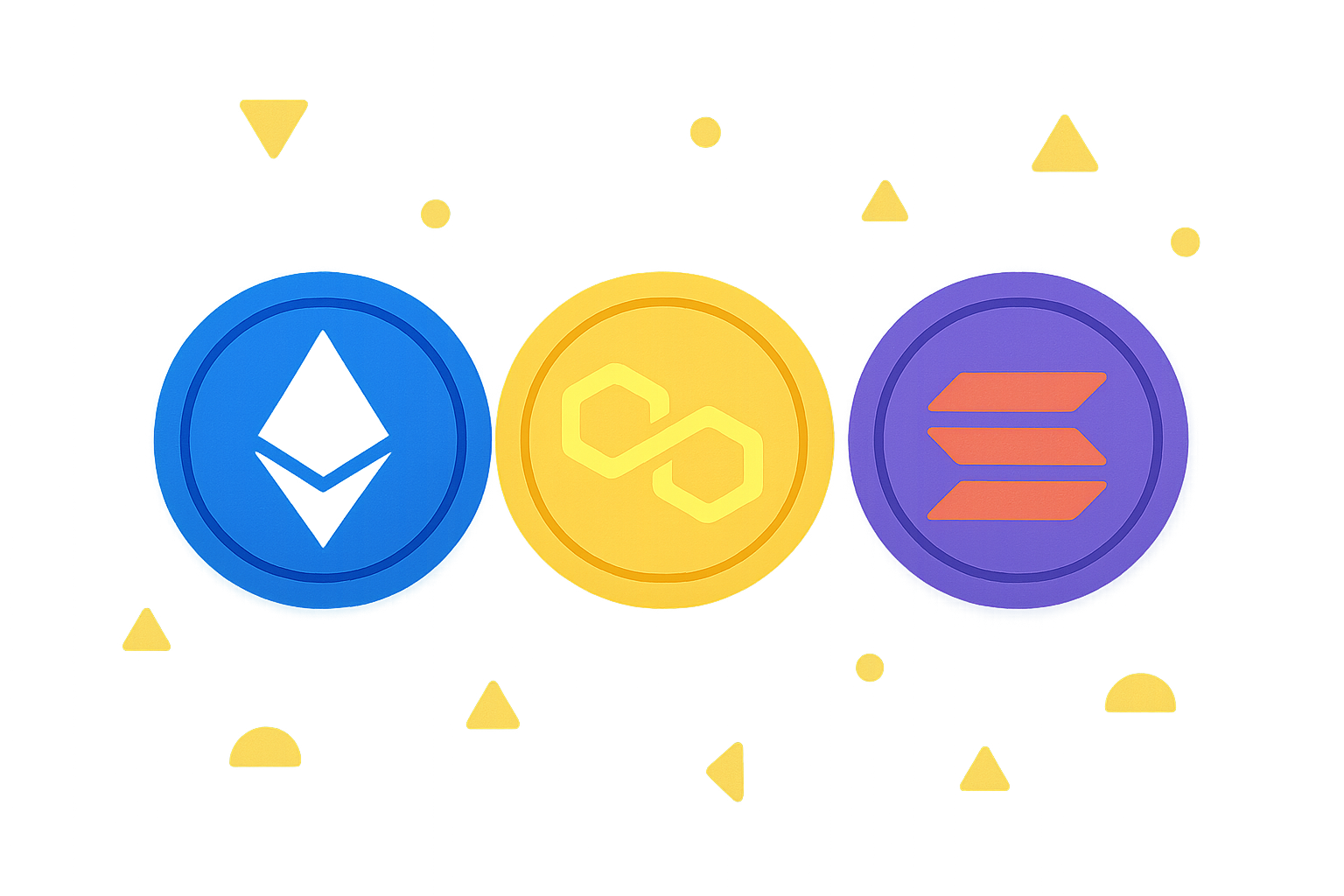
- Ethereum: The industry leader, using ERC-721 or ERC-1155 standards, offering the greatest liquidity and the largest selection of marketplaces.
- Alternative low-fee networks: These feature significantly lower fees than Ethereum, making them appealing for newcomers and artists with limited budgets.
- Polygon: A scalable, Ethereum-compatible network with minimal transaction costs.
- Solana: A fast, affordable alternative with a rapidly expanding NFT ecosystem.
Your choice of blockchain affects NFT creation costs (gas fees), available marketplaces, and your potential audience.
Step 3: Set Up a Crypto Wallet
To mint NFTs, you’ll need a wallet to store cryptocurrency and interact with the blockchain. Top choices include:
- MetaMask: A versatile wallet for Ethereum, Polygon, and other compatible networks, available as both a browser extension and mobile app.
- Trust Wallet: A user-friendly wallet supporting multiple blockchains.
- Phantom: A specialized wallet for Solana and related networks.
How to Set Up Your Wallet:
- Install your chosen wallet extension (like MetaMask) or app on your device.
- Create a new wallet and securely store the seed phrase (12–24 words). This is vital for account recovery.
- Fund the wallet with cryptocurrency:
- ETH (Ethereum) for the Ethereum network
- Alternative tokens for other blockchains
- MATIC (Polygon) for the Polygon network
You’ll need these funds to pay transaction (gas) fees during NFT creation and minting.
Step 4: Choose an NFT Creation Platform
Where can you mint an NFT? Numerous marketplaces and platforms streamline the process of creating and selling tokens. The most popular options include:
OpenSea
- Supported blockchains: Ethereum, Polygon, and others
- Features: Largest NFT marketplace, supports lazy minting (create NFTs for free until the first sale)
- Best for: Beginners and professionals seeking maximum exposure
Leading Marketplace Platforms
- Supported blockchains: Several major networks
- Features: User-friendly interface, optimized fees, built-in promotional tools
- Best for: Users valuing convenience and rapid creation
Rarible
- Supported blockchains: Ethereum, Flow, Tezos, and more
- Features: Royalty support, customizable token parameters, decentralized governance
- Best for: Artists wanting more control over their tokens
Foundation
- Supported blockchains: Ethereum
- Features: Focused on artists and digital creators, requires community invitation
- Best for: Professional artists with an established portfolio
Let’s walk through the standard NFT creation process on a leading platform.
Step 5: NFT Creation Process on a Leading Platform
To create an NFT, follow these typical steps that apply across most platforms:
- Register and connect your wallet: Visit the platform’s site and connect your crypto wallet (such as MetaMask).
- Access the creation section: Look for the "Create" or "Create NFT" option in the menu.
- Upload your content:
- Click the upload field
- Select your file (image, video, audio, etc.)
- Ensure your file meets platform size and format requirements
- Add token details:
- Name of your NFT as displayed on the marketplace
- Detailed description outlining the concept and uniqueness
- Category (art, music, collectibles, virtual real estate, etc.)
- Attributes (rarity, color, design elements, etc.)
- Set sale parameters:
- Choose fixed price or auction
- Specify royalty percentage for future resales
- Pay the fee: Use crypto from your wallet to cover the creation fee (amount varies by blockchain)
- Confirm creation: Sign the transaction in your wallet, and your NFT will appear in your profile
This workflow makes NFT creation accessible, even for newcomers.
Step 6: NFT Creation Workflow on OpenSea
If you prefer the largest, most versatile marketplace, here’s how to mint an NFT on OpenSea:
- Connect your wallet: Go to OpenSea.io and connect MetaMask or another wallet
- Create a collection:
- Navigate to "My Collections" → "Create"
- Set your collection name, description, and logo
- This organizes your NFTs into a single collection
- Add an NFT:
- Click "Add New Item"
- Upload your file (up to 100 MB supported)
- Specify name, description, and properties (e.g., rarity or unique features)
- Select a blockchain: Choose either Ethereum or Polygon
- Mint the NFT:
- Confirm the transaction in your wallet
- Pay the gas fee (varies by network congestion)
- All set: Your NFT appears in your collection and is ready for viewing or sale
OpenSea’s lazy minting feature lets you create NFTs at no upfront cost—fees are only incurred upon the first sale.
Step 7: Selling Your NFT
Once your NFT is minted, you can list it for sale using several methods:
- Fixed price: Set a price (e.g., 0.1 ETH or equivalent) for buyers to purchase your token
- Auction: Set a starting bid and auction duration to invite competitive offers
- Royalties: Configure a percentage (typically 5–10%) you’ll receive from every secondary market resale
Most platforms offer an intuitive selling process—simply select "Sell" and follow the instructions on screen.
Where to Mint an NFT: Platform Overview
If you’re wondering "where should I mint my NFT?", here are more platform options with distinct advantages:
- Mintable: User-friendly platform with free minting and multi-chain support
- Solsea: Dedicated Solana NFT platform with low fees
- BakerySwap: Budget choice for minting NFTs on alternative blockchains with minimal costs
- Blur and Magic Eden: Popular marketplaces with a growing user base and innovative features
Your decision depends on your chosen blockchain, fee structure, and target audience.
How to Create an NFT Token: Extra Tips
How Do You Make an NFT Unique?
- Add rare attributes (colors, design elements, special effects)
- Create a series with varying rarity to establish collection hierarchy
- Incorporate a backstory or context (e.g., "NFT from my first collection" or "limited edition")
- Collaborate with other artists on joint projects
How to Mint NFTs Online?
Many platforms allow you to create NFTs directly online, without downloading complex software. Simply upload your file via a web interface, complete the required details, and confirm creation via your crypto wallet. This keeps the process highly accessible.
How Much Does It Cost to Mint an NFT?
The cost of NFT minting varies by blockchain:
- Ethereum: $10–$200 in gas fees, depending on network load
- Alternative blockchains: $0.01–$1 (much lower)
- Polygon: Almost free or very low cost
- Solana: Low fees, typically under $1
With lazy minting on some platforms, you can create NFTs completely free until your first sale.
How to Create Your Own NFT: Common Mistakes and How to Avoid Them
- Poor content quality: Avoid generic ideas and careless execution. Prioritize originality and professionalism.
- Ignoring fees: Plan for gas costs in advance and choose the blockchain that fits your budget.
- Losing your seed phrase: Store your seed phrase securely (safe, encrypted storage, or paper wallet).
- Lack of promotion: After minting, actively share your NFT on social media, Discord, and specialized forums.
- Weak descriptions: Provide a detailed, compelling description that explains your work’s value and appeal.
Examples of Successful NFT Projects
- Beeple: Digital artwork "Everydays" sold for $69 million at Christie’s, setting a record for digital art
- CryptoPunks: 10,000-pixel avatar series, each worth thousands of ETH due to rarity and historical value
- Bored Ape Yacht Club: Ape collection moving millions in volume and representing status in the crypto community
- Art Blocks: Generative art platform where artists use algorithms to create unique works
These examples prove that, with the right approach and quality execution, NFT creation can be more than a hobby—it can become a profitable business.
Conclusion
Creating an NFT is simpler than it appears. Whether you want to mint an image, music, video, or virtual item, the process comes down to choosing your content, blockchain, wallet, and platform. You can mint NFTs on any leading platform by following this guide. The most important thing: approach the process creatively, ensure your token’s uniqueness, and present it effectively to your target audience. Now that you know how to create your own NFT, it’s time to bring your ideas to life and enter the fast-growing world of digital assets and blockchain innovation!
FAQ
How Do I Create an NFT Myself?
Choose a blockchain (such as Ethereum), upload your digital file to an NFT platform, set parameters (price, royalties), pay gas fees, and mint the NFT. Be sure you own the rights to your content.
How Much Does It Cost to Create an NFT?
Costs depend on the blockchain. Ethereum’s gas fee averages around $44 but can vary. Platforms like Polygon or Solana offer much lower costs, and some platforms let you mint NFTs for free.
How Can I Create an NFT for Free?
Mint NFTs for free on OpenSea or Treasureland. All you need is a digital asset and a crypto wallet. Fees only apply when your NFT sells on the marketplace.
How Much Is a Single NFT Token Worth?
One NFT token is worth about $0.0031. Pricing depends on market supply and demand and can fluctuate. The value of a specific NFT is driven by its uniqueness, rarity, and market popularity.
Which Platform Should I Use to Create an NFT?
OpenSea is the largest NFT creation and trading platform, while Rarible is a strong alternative with an intuitive interface. Both support multiple blockchains and have low fees for beginners.
What File Types Are Supported for NFTs (Images, Video, Audio)?
NFTs can be created from images, videos, audio, animations, 3D models, and other digital formats. Supported files include JPEG, PNG, MP4, MP3, GIF, and more. The key requirement is that your file is original digital content you wish to tokenize as a unique asset.
What is OpenSea? Complete Guide to the Leading NFT Marketplace

Understanding the NFT Creation Process: A Step-by-Step Guide

Monthly Active User Statistics for a Leading Web3 Wallet

Understanding DApps: The Ultimate Guide to Decentralized Applications

What Is Sui Network's Core Value Proposition in the 2025 Blockchain Landscape?
How Does Cardano's Community Activity Impact ADA's Price in 2025?
What is BULLA coin: analyzing whitepaper logic, use cases, and team fundamentals in 2026
How does MYX token's deflationary tokenomics model work with 100% burn mechanism and 61.57% community allocation?

What Are Derivatives Market Signals and How Do Futures Open Interest, Funding Rates, and Liquidation Data Impact Crypto Trading in 2026?
How do futures open interest, funding rates, and liquidation data predict crypto derivatives market signals in 2026?
What is a token economics model and how does GALA use inflation mechanics and burn mechanisms